Clear clothing imagesOpen it in your browserChrome extensionPhone & desktop
Ways to try
Your fitting room, your way.
Start right here in your browser, or take the fitting room with you as you shop.
Phone & desktopNo installation
Open it in your browser
Use your computer, phone or tablet. Add a clothing image and preview the look with your camera. No app to install.
Camera preview uses no Pass.
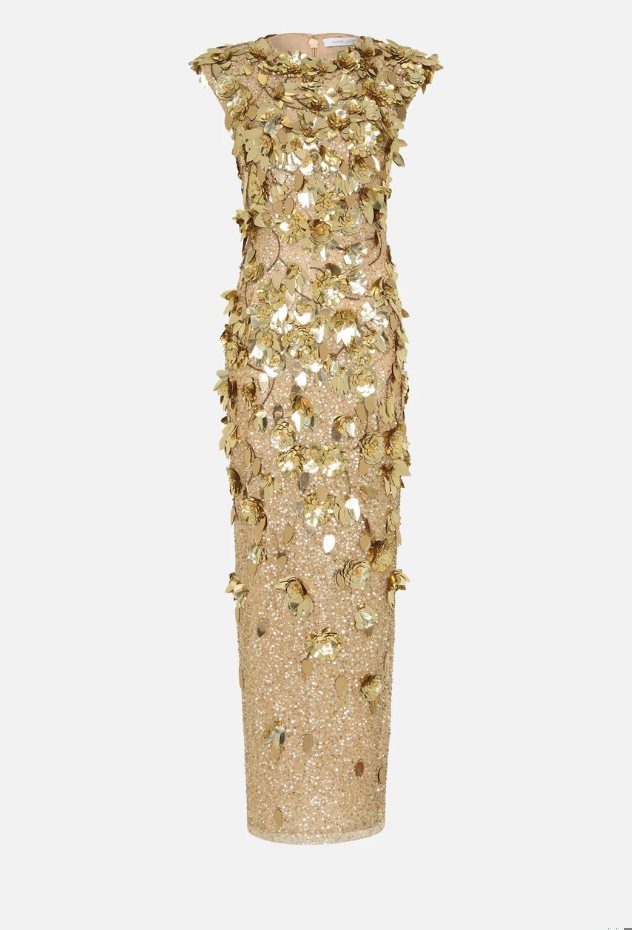
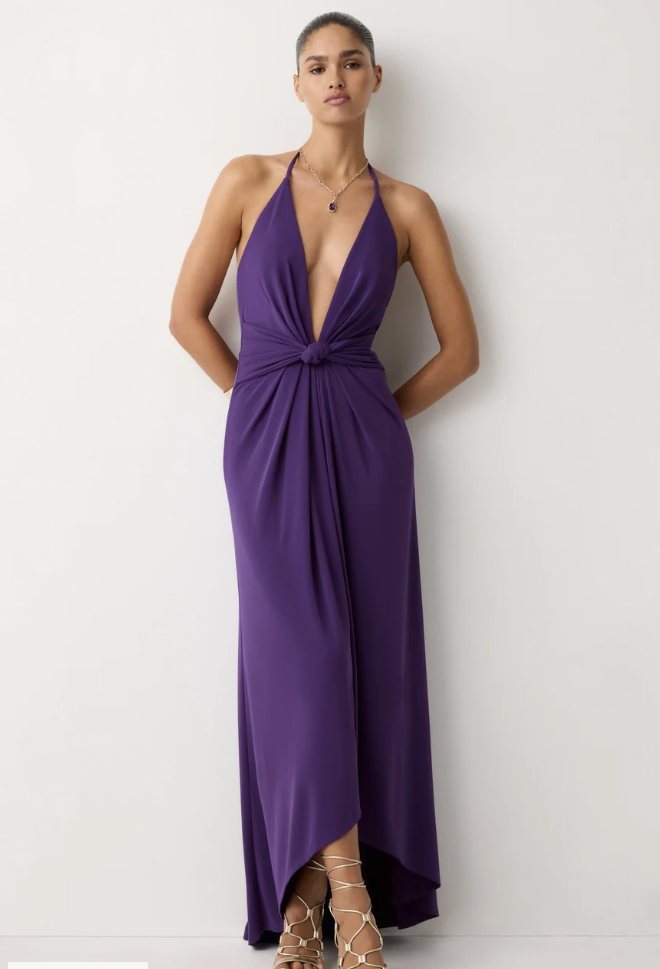
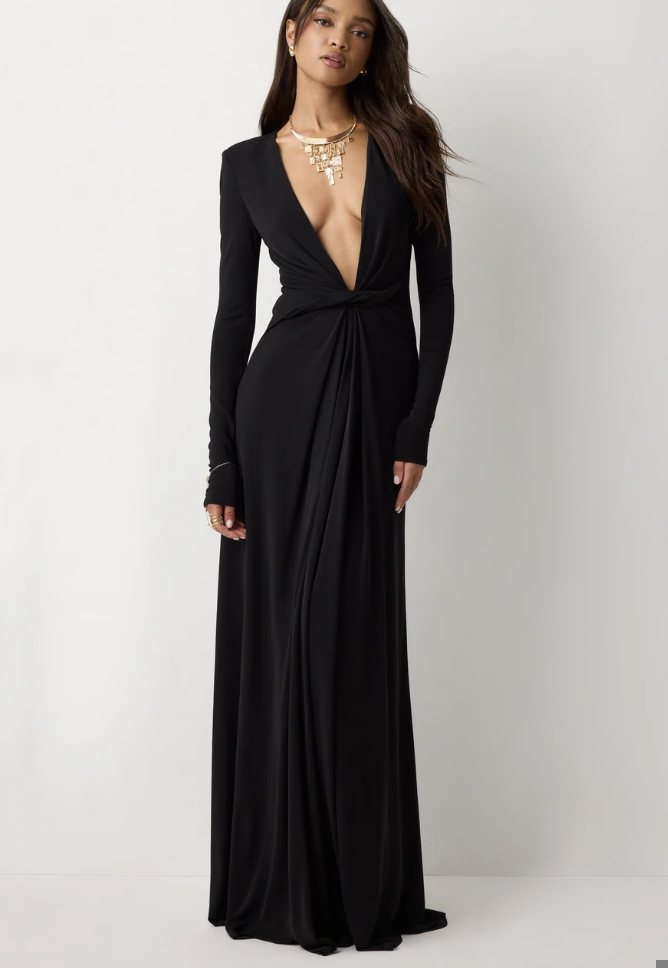
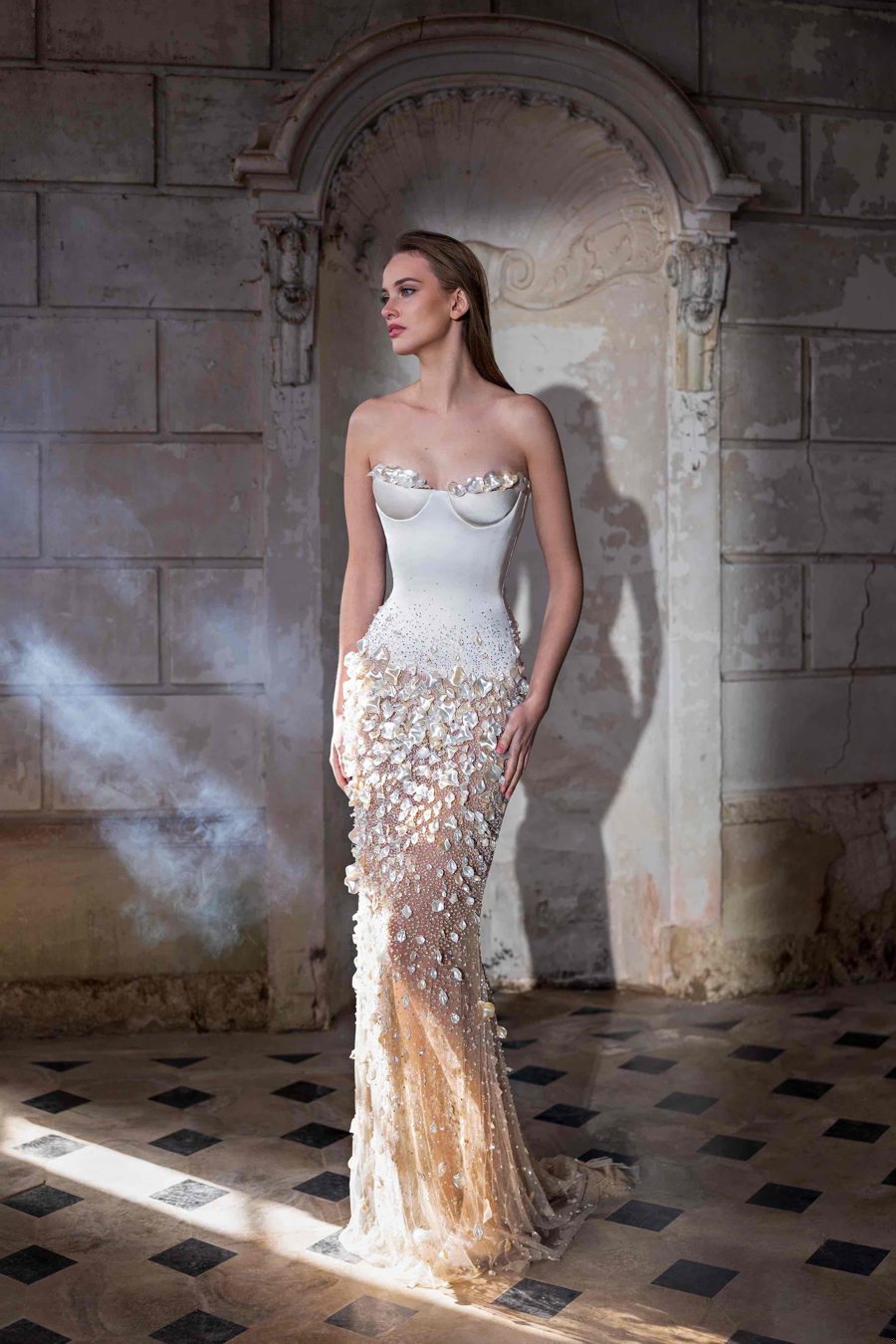
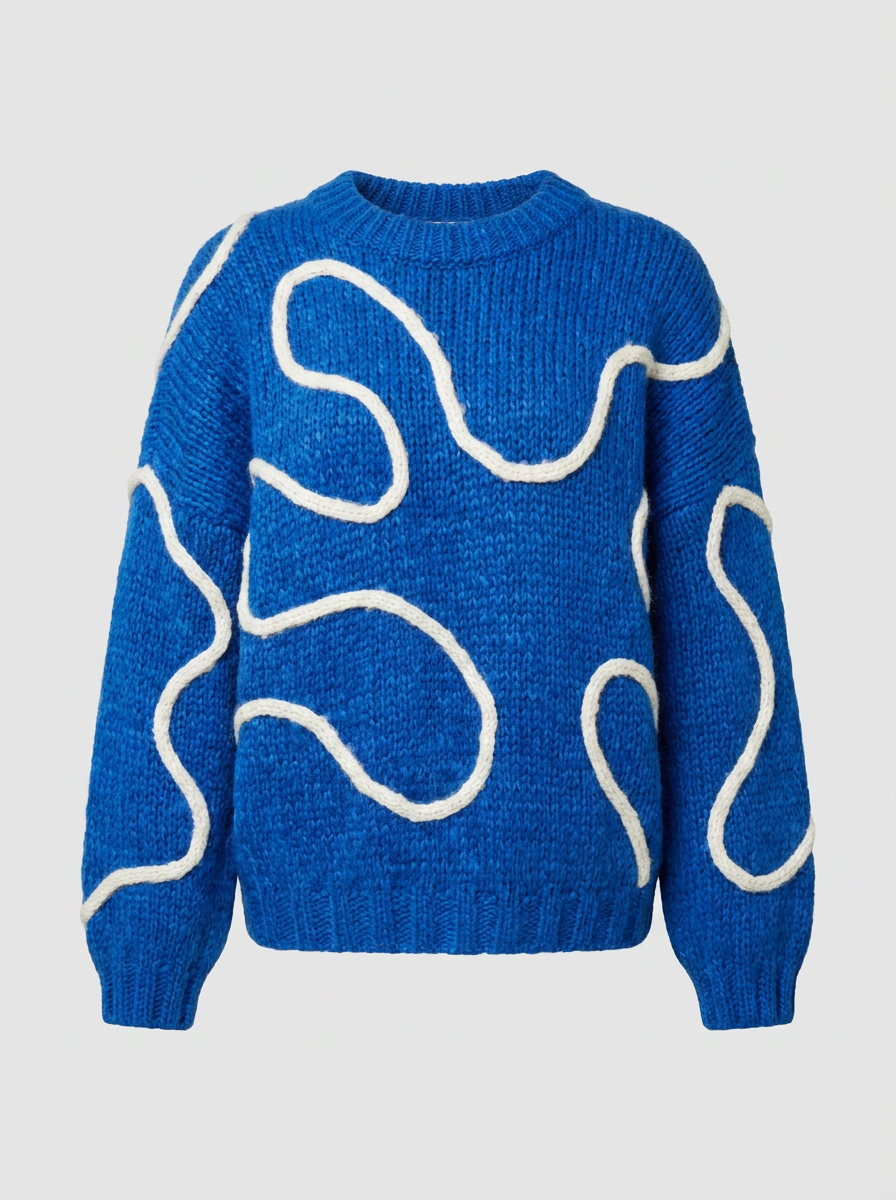
Upload a clear product photo, drop an image into the page, or use a direct image link. You can also choose a frame from a clothing video as your reference.
One account. One Pass balance. Use both across the website and extension.
How it works
Three steps. Your next look.
A clothing image, your camera, and room to explore. Bring your next outfit into view.
01
Add a clothing image
Upload a clear product photo, drop an image into the page, or use a direct image link. You can also choose a frame from a clothing video as your reference.
02
Step into the camera frame
Enable your camera when you are ready. Stand back until your head, shoulders and upper body fit the silhouette. Your microphone stays off.
03
See your look in motion.
Upload a clothing image, enable your camera, and start a session. You can switch garments in the same session. The timer and garment counter show what you have left.
A clothing image, your camera, and room to explore. Bring your next outfit into view.
Phone & desktop
Add a clothing image
Upload a clear product photo, drop an image into the page, or use a direct image link. You can also choose a frame from a clothing video as your reference.
Clear clothing imagesPaste an image link
Phone & desktop
See your look in motion.
Move naturally and explore the outfit in a live video preview.
Phone & desktop
Your camera. Your fitting room.
A camera preview helps you get into frame. Your microphone stays off.
Desktop Chrome
Try on while you browse
Keep a compact fitting room beside your shopping page with the desktop Chrome extension. Your account and balance work across both.
Fitting room
Keep your favorite looks.
Replay your session and share a recording with a friend.
Tutorial
Small details. Better results.
01
Clear clothing images
Choose a JPEG, PNG or WebP image under 10 MB.
02
Good lighting
A clear, front-facing view and good lighting help. Keep your whole upper body visible.
03
Stay in frame
Stand back so your upper body is in the frame.
04
Preview first
Camera preview uses no Pass.
05
Check the size
AI try-on is a visual preview, not a measurement or guarantee of fit. Check the retailer’s size guide and product details before ordering.
06
Know your Passes
Up to 30 seconds per room. Each clothing change uses a Pass; the timer does not restart.
Pricing
Find your next look.
1 Pass = 1 clothing try-on (10 credits). Up to 30 seconds per room. Each clothing change uses a Pass; the timer does not restart.
Starter
$9.99
USD · per month
50 Passes
Passes per month
1 Pass = 1 clothing try-on (10 credits).
Up to 30 seconds per room. Each clothing change uses a Pass; the timer does not restart.
Billed monthly. Unused monthly Passes expire at the next monthly release. Cancel renewal anytime.
Use on the web & Chrome extension
Plus
RECOMMENDED
$19.99
USD · per month
110 Passes
Passes per month
1 Pass = 1 clothing try-on (10 credits).
Up to 30 seconds per room. Each clothing change uses a Pass; the timer does not restart.
Billed monthly. Unused monthly Passes expire at the next monthly release. Cancel renewal anytime.
Use on the web & Chrome extension
Wardrobe
$39.99
USD · per month
240 Passes
Passes per month
1 Pass = 1 clothing try-on (10 credits).
Up to 30 seconds per room. Each clothing change uses a Pass; the timer does not restart.
Billed monthly. Unused monthly Passes expire at the next monthly release. Cancel renewal anytime.
Use on the web & Chrome extension
Ending early does not return a used Pass. A look that fails before processing is refunded.
Your first 3 clothing Passes are free. No card required.
Up to 30 seconds per room. Each clothing change uses a Pass; the timer does not restart.
No separate app is needed for the web fitting room. Open it in a compatible browser on your computer, phone or tablet. The desktop Chrome extension is an additional way to use a compact fitting room while shopping.
Can I try on clothes for free?+
Yes. New eligible accounts receive 3 free Passes, once, and each Pass is one clothing try-on. Camera preview is always free. After that, monthly, annual and one-time options and the Passes they include are listed on the pricing page.
Does virtual try-on tell me which clothing size to buy?+
No. It creates a visual clothing preview rather than measuring your body or recommending a guaranteed size. Check the original product’s size chart, measurements and fabric information before ordering.
Can I use an image from a shopping website?+
Use clothing images you have permission to use. A direct image file or a saved image works better than a link to an entire product page. Some stores restrict access to their images; an image link may therefore fail to load.